How to Run a Tesla Light Show Event (Club Meets, Fundraisers, Festivals)
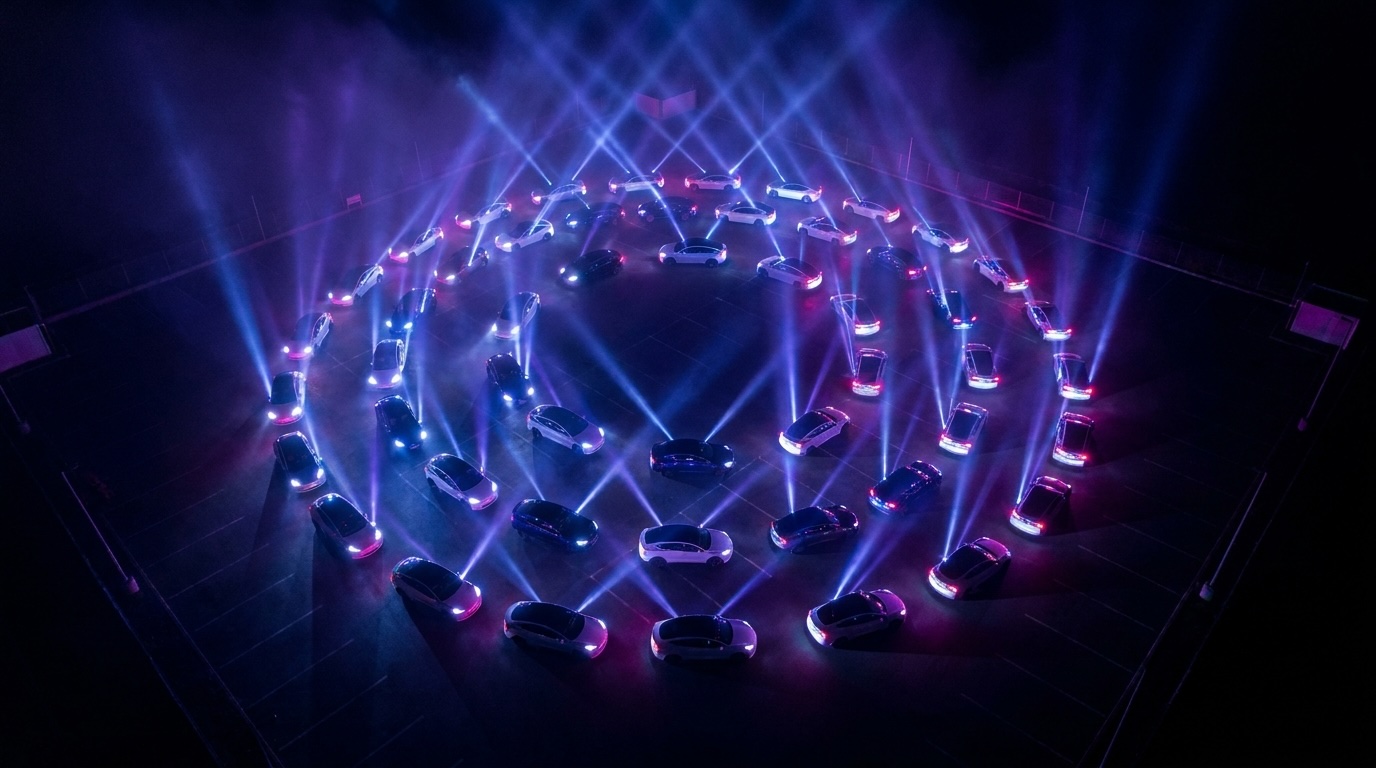
A good Tesla light show event needs a dark lot, owners who arrive with their drives loaded, and one director with the console. Create the show, send the join code a week ahead, run Preflight 20 minutes before showtime, then START SHOW.
Two weeks out
- Create the show in Orchestrator; fill in date and location.
- Build the show package: songs in order, parts per vehicle type (and roles if two cars play different parts).
- Send owners the join code. Ask them to prepare drives at home with Prepare Show Drive.
Event day
- Print the posters (flyer, yard sign, phone story) from the console and put the Kiosk screen on a tablet at the entrance.
- Watch the board fill: grey is checked in, DRIVE READY means the stick is loaded, a green ring means verified. Don't start until it's green rings across.
- Twenty minutes out, press Preflight: wakes every car and turns Sentry off fleet-wide.
- Put the Crowd screen on a TV: synchronized countdown, song name, live car count, and the house record it's chasing.
- START SHOW. The setlist runs itself with automatic gaps. Stop all is always one press away.
- After: Lock all after show (locks cars, restores Sentry), then Release vehicles so no future show can reach them.
Frequently asked questions
How many cars do I need for a good show?
Ten cars in a row already looks like a stage. Fifty fills a parking lot. The tooling is the same at every size.
What venue works best?
A dark, flat lot with cars nose-out toward the audience. Check noise rules; every car plays audio.
What if a car fails to arm?
Press Re-arm failed cars; it rejoins at the same showtime. Most failures are asleep, locked, or Sentry, and Orchestrator heals those automatically.
Can guests watch from home?
The Crowd screen can be shown on any display; a public show page is on the roadmap.
Do attendees pay?
No. Owners joining a show never pay. Only the director holds a membership.
Make your own, or run the whole lot
Marquee Light Show Studio designs shows. Orchestrator, now in development, runs synchronized multi-car shows from one button.