How Tesla Light Shows Work (and How to Make Your Own)
A Tesla light show is a choreographed performance of the car's exterior and interior lights, synchronized to a song, played from a file on a USB drive. Every Tesla built since 2021 can play them; custom shows are made with a light show editor and loaded into a LightShow folder on the drive.
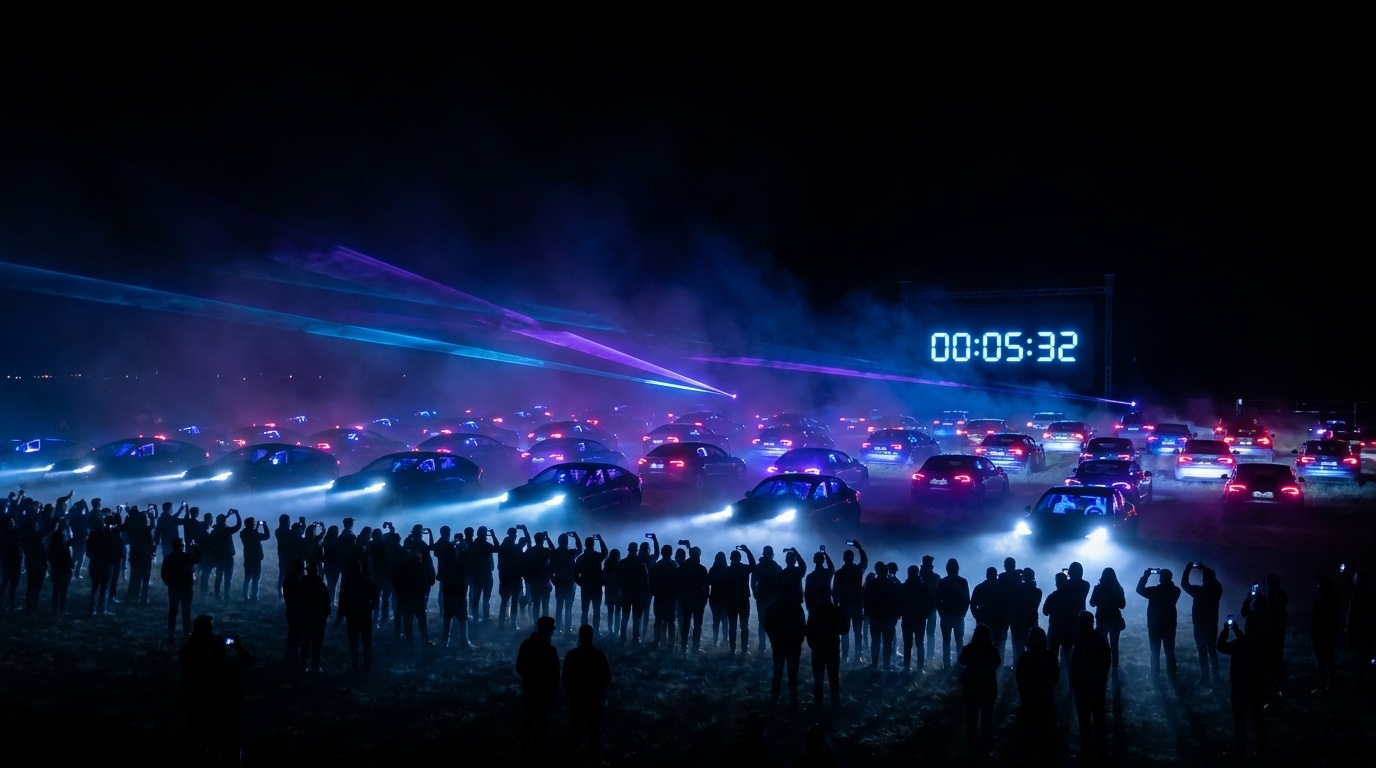
What a Tesla light show actually is
Tesla ships a Light Show feature in the Toybox. The car plays a timed sequence of light changes, headlights, turn signals, tail lights, fog lights, interior lighting, and on newer cars the full-width light bars, while a song plays through the speakers. Some models add motion: windows, mirrors, the trunk, and on Model X the falcon-wing doors.
Which Teslas support light shows
Model S, Model 3, Model X, Model Y (including the 2025+ Juniper), and Cybertruck all support light shows. The lights available differ by model: the Cybertruck has a single full-width front and rear light bar; the Juniper Model Y has front and rear light bars; the S3XY cars use separate matrix headlights and tail lights. A show designed for one model is laid out for that model's lights.
How the car plays a show
- The show lives in a folder named LightShow on a USB drive (exFAT or FAT32) plugged into the glovebox USB port.
- Inside are two files with the same name: a .fseq light sequence and a .wav or .mp3 audio file.
- In the car, Toybox → Light Show lists the preloaded shows first and your custom show after them. Pick it and the car performs it, timed to the music.
How custom shows are made
Designers use a light show editor to paint light changes onto a timeline over the song's waveform, then export a verified .fseq file. Marquee Light Show Studio does this in the browser: no install, projects saved locally, with templates (meteor, fire, rain, police, Morse code), fades and crossfades, color palettes, a cinematic preview, and a verifier that checks the file against Tesla's format before export.
Multi-car shows
Because Teslas keep synchronized clocks, many cars can play the same (or complementary) shows at the exact same instant if each receives the same start time. That is what Orchestrator does: owners join a show by QR code, and a director starts every car from one button. See how to sync multiple Teslas.
Frequently asked questions
Do all Teslas have light shows?
Model S, 3, X, Y (including Juniper) and Cybertruck support light shows. Very early pre-2021 cars may need a software update.
Do I need an app to play a light show?
No. The car plays shows from a USB drive through Toybox → Light Show. Apps and websites are for designing shows and for coordinating multi-car events.
How long can a Tesla light show be?
Current Tesla software has no fixed length limit; many custom shows run 3 to 8 minutes and longer is fine. The old 5-minute and command caps from 2021 no longer apply.
Can a light show drain the battery or damage the car?
A show uses a small amount of energy, similar to a few minutes of idling with lights on. Tesla built the feature; it is safe to use repeatedly.
Where do I get Tesla light shows?
Tesla preloads several. Custom shows come from designers and libraries; the MARQUEE Light Show Library offers free downloads to members.
Make your own, or run the whole lot
Marquee Light Show Studio designs shows. Orchestrator, now in development, runs synchronized multi-car shows from one button.