How to Make a Custom Tesla Light Show (Step by Step)
To make a custom Tesla light show you choreograph light changes on a timeline over a song and export a .fseq file with matching audio. Marquee Light Show Studio does this in your browser in about ten minutes for a first show: load the song, paint light clips, preview on the car model, export, and copy to a USB drive.
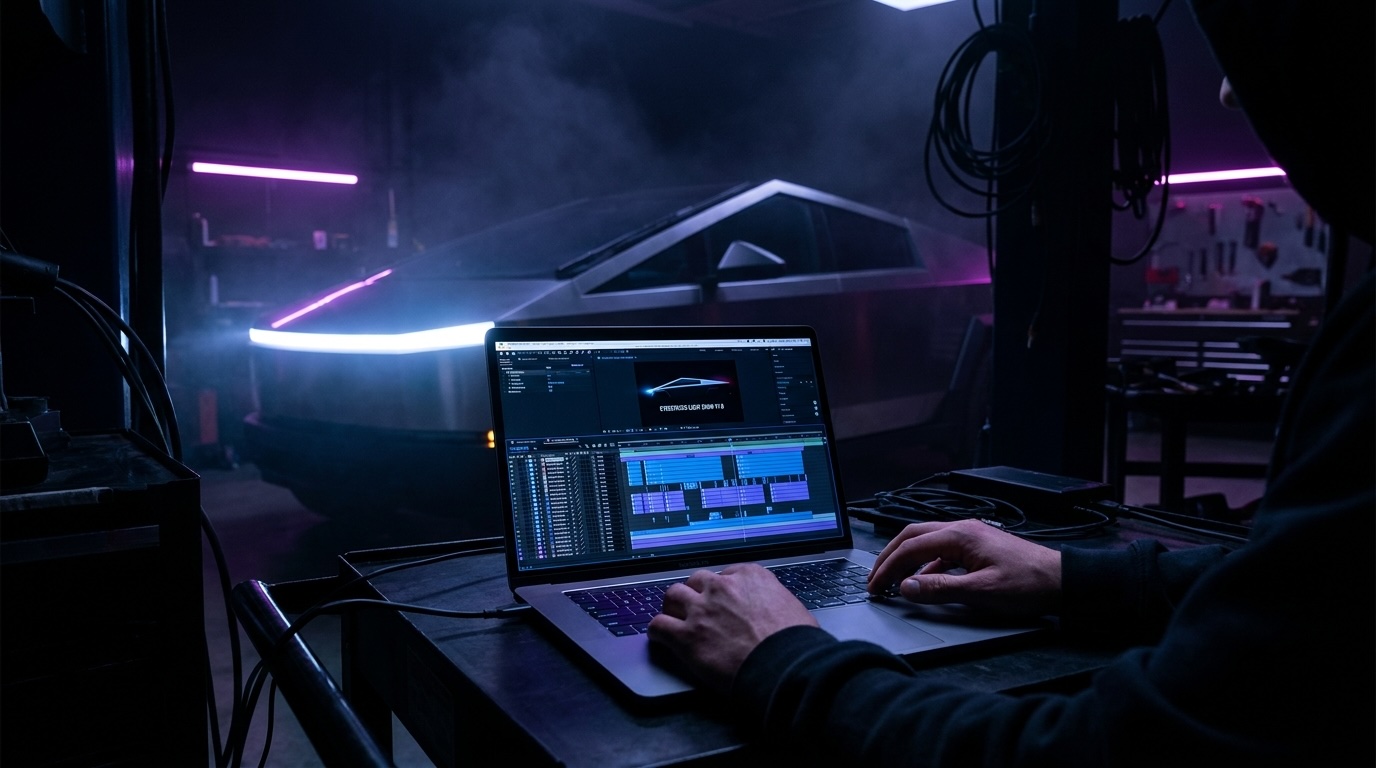
What you need
- A song (MP3 or WAV).
- A light show editor: Marquee Light Show Studio (browser, no install).
- A spare USB drive (exFAT or FAT32) and a Tesla.
Step by step
- Open the Studio at marqueelightshow.com and press Launch the Studio.
- Load your song. The waveform lays out the track so you can see beats and drops.
- Pick your vehicle layout (Cybertruck, Juniper Model Y, or S3XY) so the channels match the car's real lights.
- Paint light clips. Drag across a channel (headlights, light bar, turn signals, interior...) to create a clip; stretch, move, and layer clips; add fades by dragging the corner grips.
- Use templates for the hard parts: meteor, fire, rain, police strobe, and Morse code that spells a message in light.
- Keep it playable. The Studio keeps your show inside what the car's lights can physically do and flags anything a vehicle can't perform.
- Preview with the cinematic camera, then export. The Studio verifies the file against Tesla's format first.
- Load the car: put the .fseq and the audio file (same name) in a LightShow folder on the USB drive, plug it into the glovebox port, and choose the show in Toybox.
Designing for multiple cars
For a fleet, build a production: one song, several parts (one per car or role), each exported as its own verified file. Orchestrator then delivers each car its part and starts everyone at once.
Frequently asked questions
What software makes Tesla light shows?
Marquee Light Show Studio is a browser-based editor that exports verified Tesla .fseq files; xLights with a Tesla profile is the traditional desktop route.
Is making a light show hard?
A first show takes about ten minutes with templates. Polished, beat-matched shows take hours, like editing a music video.
Is there a limit on how long or detailed a show can be?
Not anymore. The 5-minute and 681-command caps from 2021 have been lifted in current Tesla software; shows can run the full song and be as detailed as you like.
Can I make a show for a Cybertruck and a Model Y at once?
Yes. Design each model's version in its layout, then use Orchestrator's show packages so every car receives its own version at the same song number.
Do I need to know how to code?
No. It is a drag-and-drop timeline, like a video editor.
Make your own, or run the whole lot
Marquee Light Show Studio designs shows. Orchestrator, now in development, runs synchronized multi-car shows from one button.